
1. Review the source edition
Finance Workspace 0.1.0 handles one company’s project records, currency budgets, statement reconciliation and revisioned invoice drafts. The included interface is finance-standard. Invoice records remain drafts; the app does not connect banks, execute payments or send invoices.
Try the separate temporary guest workspace with synthetic records. The source purchase is for your private installation; hosted-service rights and model/provider accounts are separate. Public screenshots below show the local buyer application.
2. Prepare Python and private storage
Verify the release archive and signature with the trusted Store public key and read the source agreement and dependency notices. The buyer Linux x86_64 profile uses CPython 3.13 and requirements.lock. Prepare a protected directory with its exact wheel files; wheels are not bundled. Use the same environment interpreter for every operator command.
The package includes Windows PowerShell, Ubuntu and macOS setup instructions. For the buyer 3.13 profile, substitute python3.13 for python3.14, or py -3.13 for py -3.14, in the included setup guide. Other platforms need compatible wheels and their verified hashes.
python3.13 -m venv .venv
.venv/bin/python -m pip install --no-index --require-hashes --find-links /absolute/wheel-cache -r requirements.lock
3. Initialize accounts and project access
Initialize an external private directory and enter a new password of at least 14 characters at the prompt. There are no default credentials. Keep FINANCE_DATA_DIR, the database, key and backups outside source. Open http://127.0.0.1:8080 and sign in.
Use the existing project and user commands for owner/editor/viewer project grants. Viewers can read and export but cannot edit. The serve command binds to loopback for local use. Use your initialized project in every import.
.venv/bin/python main.py init --data-dir "$HOME/FinancePrivate" --user operator --project studio --name Studio
export FINANCE_DATA_DIR="$HOME/FinancePrivate"
.venv/bin/python main.py serve --port 8080
4. Preview and commit a CSV
Save the synthetic UTF-8 CSV below, sign in and select studio. Preview it, confirm four new rows, then commit explicitly. Preview alone leaves transactions unchanged. Repeating the identical import skips all four duplicates; a conflicting amount for an existing ID is rejected. Limits are 1,000 rows and 512,000 bytes.
id,date,amount,currency,account,project,category
0901,2026-11-06,-0.10,USD,0009,studio,fees
0902,2026-11-06,-0.20,USD,0009,studio,fees
0903,2026-11-06,1.00,USD,0009,studio,income
0904,2026-11-06,-10,JPY,0009,studio,tools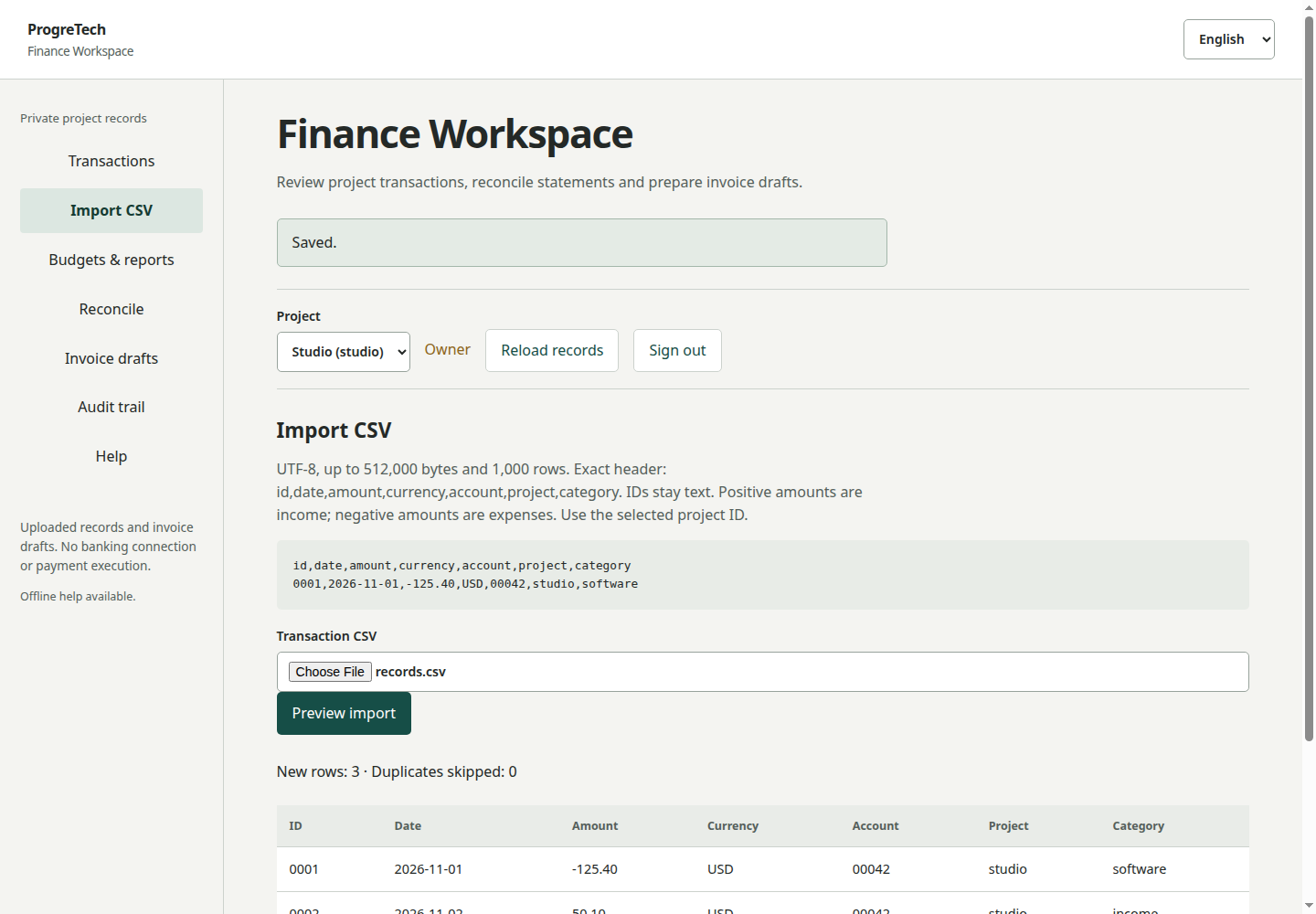
5. Categorize, budget and reconcile
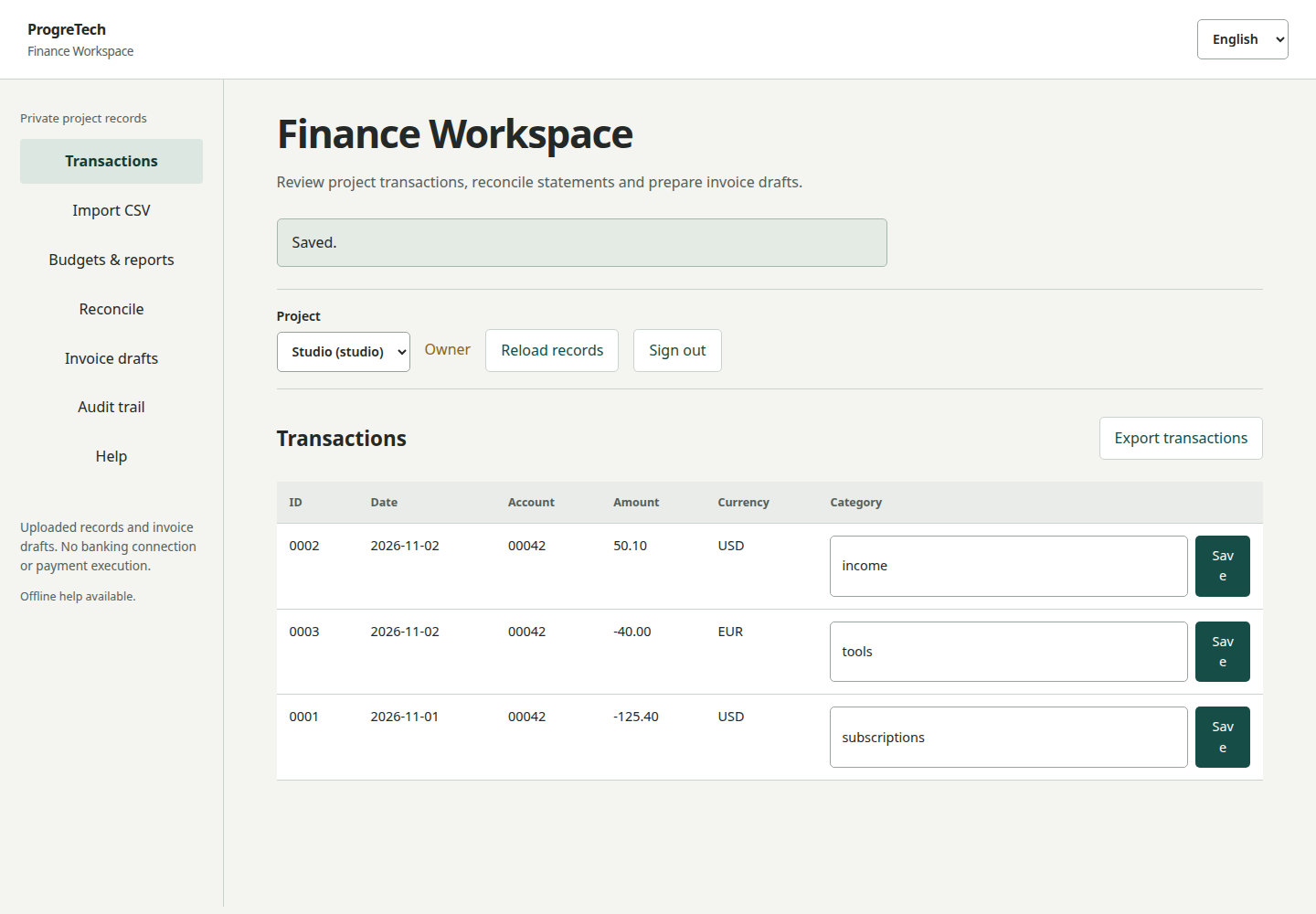
Change category 0901 to subscriptions. With a USD expense budget of 2.00, actual expenses are 0.30 and remaining budget is 1.70. Income and JPY remain separate. Supported currencies are USD, EUR, GBP, CAD, AUD, MXN and JPY; JPY uses whole amounts.
Reconcile account 0009 in USD for November 1 to 30, with opening 10.00, closing 10.70 and a statement explanation. The difference is 0.00. Inspect the saved reconciliation and audit records.
6. Prepare invoice drafts and export
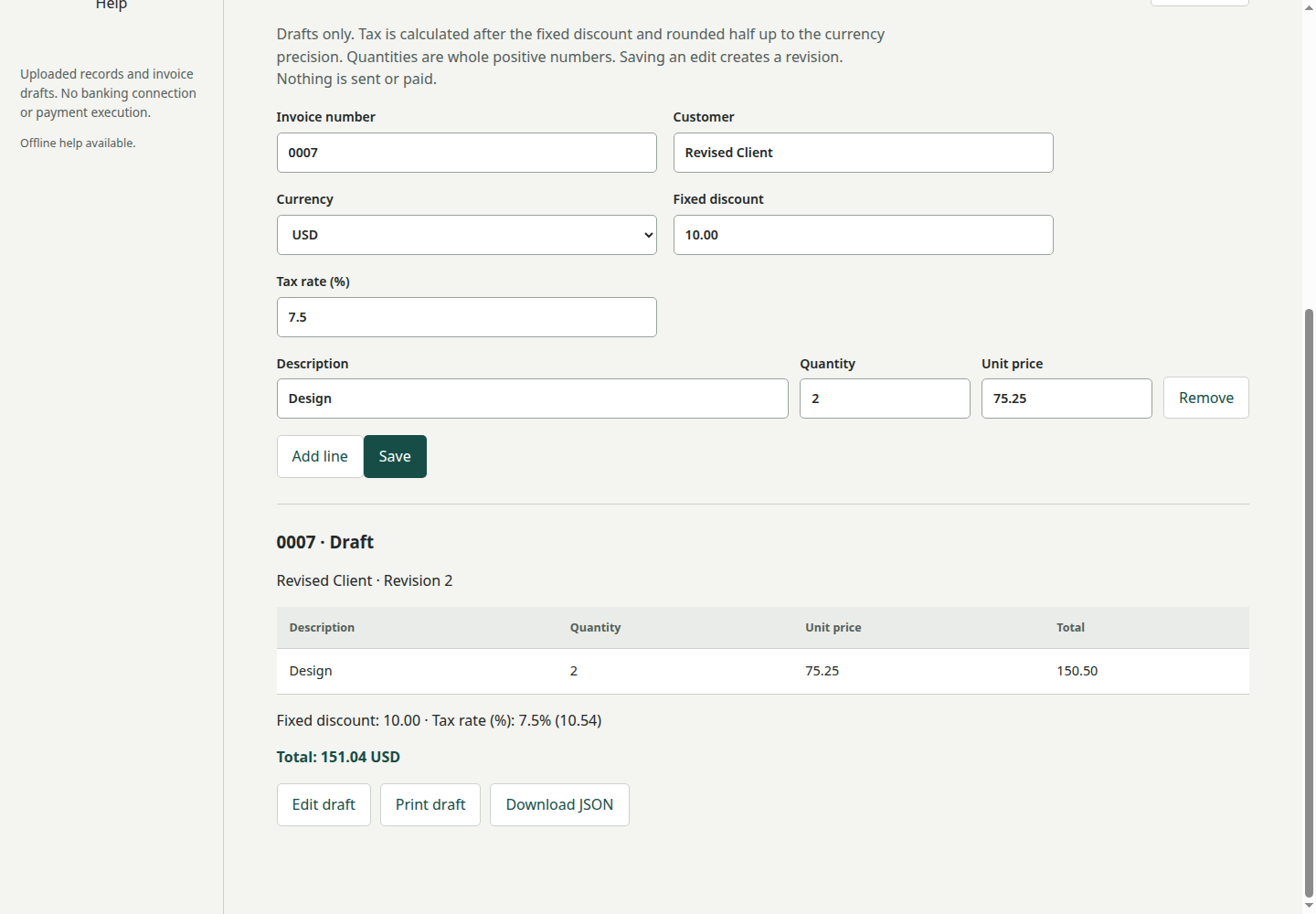
Create draft 0009 for a synthetic customer: quantity 2, unit price 0.15, discount 0.00 and tax 10. The total is 0.33 USD. Saving an edit increments the revision; a stale revision conflicts. Drafts are not sent or paid.
Export a draft as JSON and transactions as CSV, then inspect the audit trail. Text cells have a leading apostrophe to preserve identifiers and reduce spreadsheet formula execution. The CSV is for reporting and cannot be reimported unchanged.
7. Deploy on your chosen persistent VM
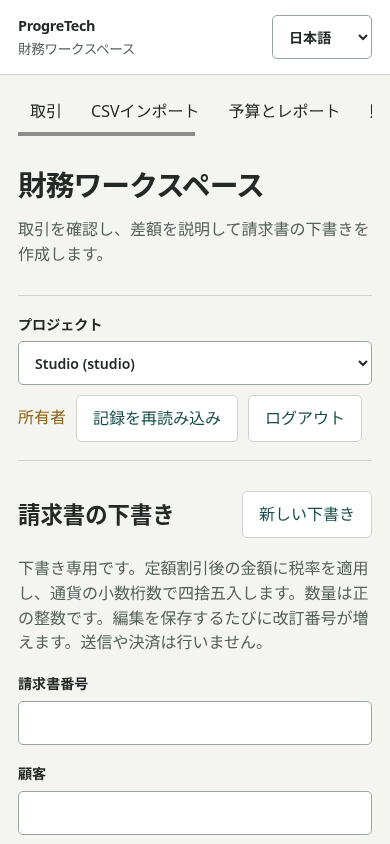
Follow the included deployment/en/README.md, deployment/es/README.md or deployment/ja/README.md for Hetzner Cloud with Volume, EC2 with EBS, Azure VM with managed disk or Google Compute Engine with Persistent Disk. Choose your account, region, Ubuntu image, SSH identity, private disk and firewall.
Run one application instance with a production WSGI server selected separately from the seven-package base runtime. Serve app.main:app behind nginx/TLS, keep the WSGI port private and set FINANCE_DATA_DIR and FINANCE_HTTPS=1 in the protected service environment only for HTTPS. Confirm backup, restore and restart before opening access.
8. Rehearse recovery and retain rollback
Use the existing backup and restore commands below with the same environment interpreter. Snapshots contain private records and password hashes. Stop the server before restoring into a new external directory, or an existing empty directory with owner-only permissions (0700). Restore preserves records and project grants, creates a new session key and clears sessions and previews. Sign in again.
Compare transactions, budgets, reconciliations, invoice revisions and audit before retiring the previous directory. For updates retain the previous source/environment and matching pre-update snapshot, stage separately and read migration instructions. Version 0.1.0 uses schema 1 without migration. Restore the matching pre-update state for rollback; do not open a future incompatible schema with old code.
.venv/bin/python main.py backup --data-dir /srv/finance-private --file /srv/finance-backups/snapshot.sqlite3
.venv/bin/python main.py restore --data-dir /srv/finance-restored --file /srv/finance-backups/snapshot.sqlite3
9. Use AI implementation help and offline documentation
Prefer your approved coding-assistant CLI for implementation on Windows, Ubuntu or macOS. Install and authenticate it through its official route, then open this source directory. Use the premade prompt in your language’s deployment guide with your OS, private paths and host. Review the diff and synthetic checks before authorizing infrastructure actions. Manual implementation follows the same guides.
Forms and CLI work without AI and make no runtime model calls. Keep credentials in your CLI’s secret store and company records out of prompts. PWA offline help caches public static assets only; private routes and exports remain network-only.
Numbered SAP BTP planning guidance is included in btp/en/README.md, btp/es/README.md and btp/ja/README.md. A BTP implementation requires your own identity, OData and durable storage adapters and deployment package. SAP services are procured separately.