1. Run your own Web Registry
CodeSeal Web Registry fingerprints source, records deliberate signed provenance observations and lets authorized users inspect history and evidence. The original browser interface, scanner, private workspace, shared email identity, organizations and registry-client protocols are retained.
This is a separate source edition from CodeSeal Desktop & CLI. Operate it under your own registry identity, keys, database and mail service. Your Store purchase does not create hosted ProgreTech accounts or transfer existing Desktop entitlements to this SKU.
A technical Python/Linux team is recommended for setup and operation. The qualified baseline is Linux amd64 with Python 3.13, the complete hash lock and buyer-owned PostgreSQL for production. The scanner is deterministic; AI and BYOM are not applicable.

2. Check the source rights and optional updates
The 25 October Business Application Source License covers one business application or service per SKU for the purchasing organization, including its paid/free end users and permitted development, backup and contractor use. Preserve ProgreTech attribution and upstream rights. Source resale and separate white-label copies are outside that grant.
The accepted launch pricing policy is $999 for source, with optional maintained updates at $59 per month or $590 per year before tax. Initial combined totals are $1,058 or $1,589. The current offer and frozen checkout quote determine actual availability and amounts; this guide does not activate a release.
Earned eligible versions retain their source rights and redownload eligibility after updates are cancelled. Future coverage ends. Hosting, registry membership, native Desktop rights, email/identity providers, model tokens, a release cadence and an SLA are not supplied.
3. Verify the complete download first
When an eligible source release appears in your Store library, download its ZIP and signed release JSON. Independently confirm the Store public verification key and fingerprint; a key obtained only from a suspect download is not a trust anchor.
Run the standalone helper in a separate verification environment with its documented cryptography dependency. It checks the signed release and complete archive size/digest before extraction. Registry evidence pins, Store release pins and buyer organization signer keys are different identities.
A valid signature identifies bytes under the chosen trusted key. It does not establish ownership, legal suitability, absence of vulnerabilities or permission to scan another party’s source.
python verify_release.py --trusted-key store-release.pub --key-sha256 INDEPENDENTLY_CONFIRMED_KEY_SHA256 --manifest codeseal-web-registry-release.json --archive codeseal-web-registry-1.1.0-source.zip4. Prepare private infrastructure and configuration
Create a dedicated empty PostgreSQL database, buyer-controlled HTTPS origin and authenticated TLS SMTP transport. Production requires a database role with the documented application-schema privileges; do not use a shared infrastructure superuser or reuse another registry’s database.
Keep source/build context, database, private registry volume, gateway TLS keys and encrypted backups separate. The supplied Compose profile runs UID/GID 10001 with a read-only root filesystem, dropped capabilities and loopback-only HTTP publication. A new named volume receives the image’s private parent ownership; do not recursively chown existing custody.
Outside source, create an owned 0600 settings JSON. Supply PUBLIC_BASE_URL, DATABASE_PATH, SMTP_HOST, SMTP_PORT, SMTP_USERNAME, SMTP_PASSWORD, SMTP_FROM and exactly one of SMTP_USE_TLS or SMTP_USE_SSL. Enter your own values privately. The source guide documents each field; there is no supplied password, sender, recipient, API key or tenant.
Use an approved Docker/Compose installation. A Python-only environment may install requirements.lock with hash enforcement; the packaged first-result and deployment guides explain local SQLite development separately from production PostgreSQL.
docker compose -p buyer-registry build
Read docs/BUYER_FIRST_RESULT.md and docs/BUYER_DEPLOYMENT.md in the verified release before entering private configuration. Never paste private settings into a support ticket or screenshot.
5. Initialize a NEW registry deliberately
Choose a stable unique Compose project name and an unused loopback host port. Run the following from the extracted source with an absent registry state directory and dedicated empty database. Replace the private settings-file path with your own protected file.
NEW initialization generates fresh signer/contact/session material, claims the empty database under that identity and publishes private state plus a completion receipt. Existing or ambiguous custody is refused. Repeat initialization is not a restore, import, key rotation or repair operation.
Keep the entire private volume, install ID, matching database claim and install-ready.json together. An initialization error is a hold: preserve pending state and inspect it instead of deleting keys or selecting legacy restore to bypass the refusal.
docker compose -p buyer-registry run --rm --no-deps -T --entrypoint sh web -c 'set -eu; umask 077; trap "rm -f /tmp/buyer-input.json" EXIT; cat >/tmp/buyer-input.json; python manage.py init --destination /data/registries/main --settings /tmp/buyer-input.json --mode production --new-registry' < /absolute/private/settings.json
docker compose -p buyer-registry up -d
docker compose -p buyer-registry ps
The ordinary profile points CODESEAL_BUYER_CONFIG at the private mounted configuration. No secret settings enter the source image or command arguments.
6. Put the registry behind your own HTTPS gateway
Publish only the configured origin through a buyer-maintained TLS gateway. The app listens on host loopback; restrict host access and never expose its upstream port directly. Provision and qualify DNS/certificates yourself.
TRUST_PROXY_HEADERS defaults false. Enable it only where your gateway exclusively controls the application connection and overwrites incoming forwarded headers. A client’s forwarded-protocol assertion is not trusted deployment evidence. Disable sensitive request-path/query, token, cookie, form and body logging at the gateway; the app profile disables Gunicorn access logs.
Readiness must confirm configuration, database and existing signer/contact custody. Separately test actual mailbox delivery, secure session cookies and signature verification under your independently recorded registry pin. A health response or returned public key alone is insufficient.
docker compose -p buyer-registry ps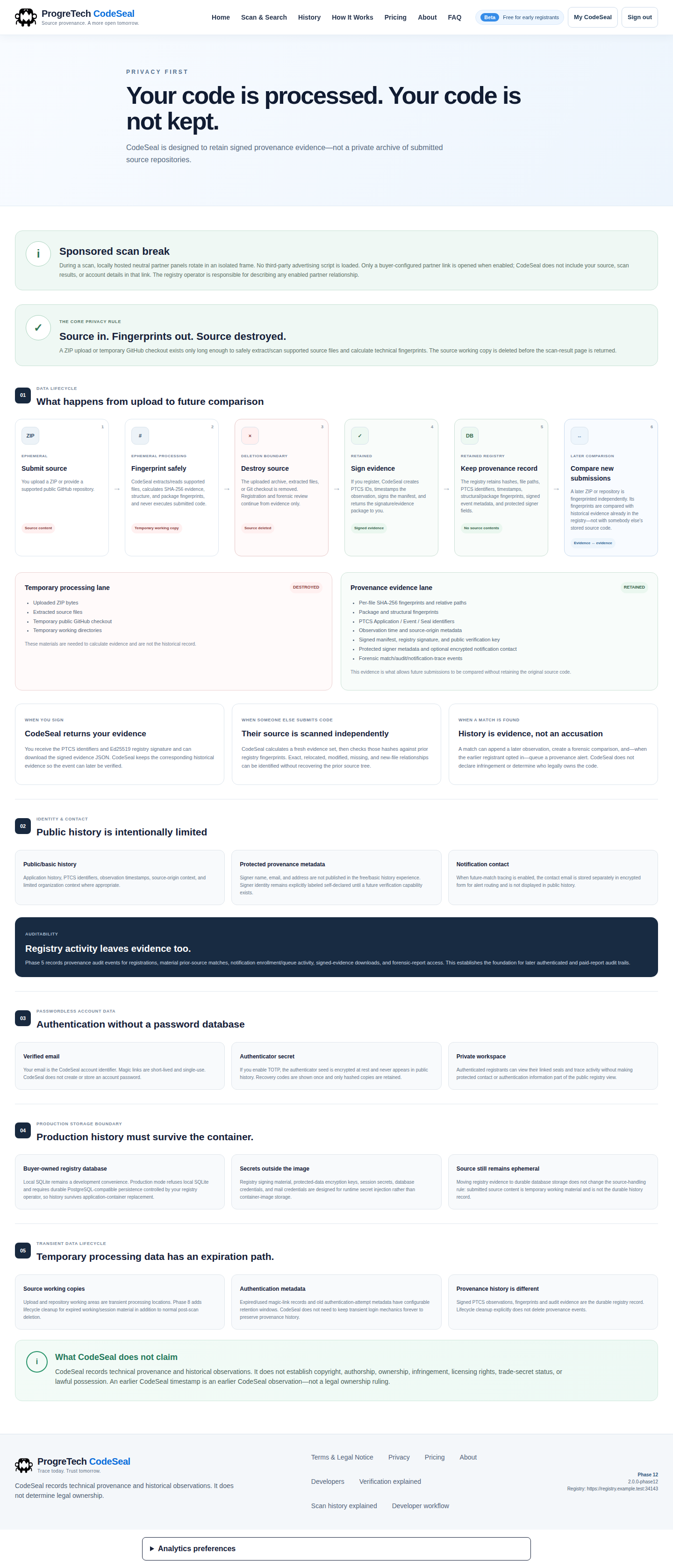

7. Complete normal email proof and protect the account
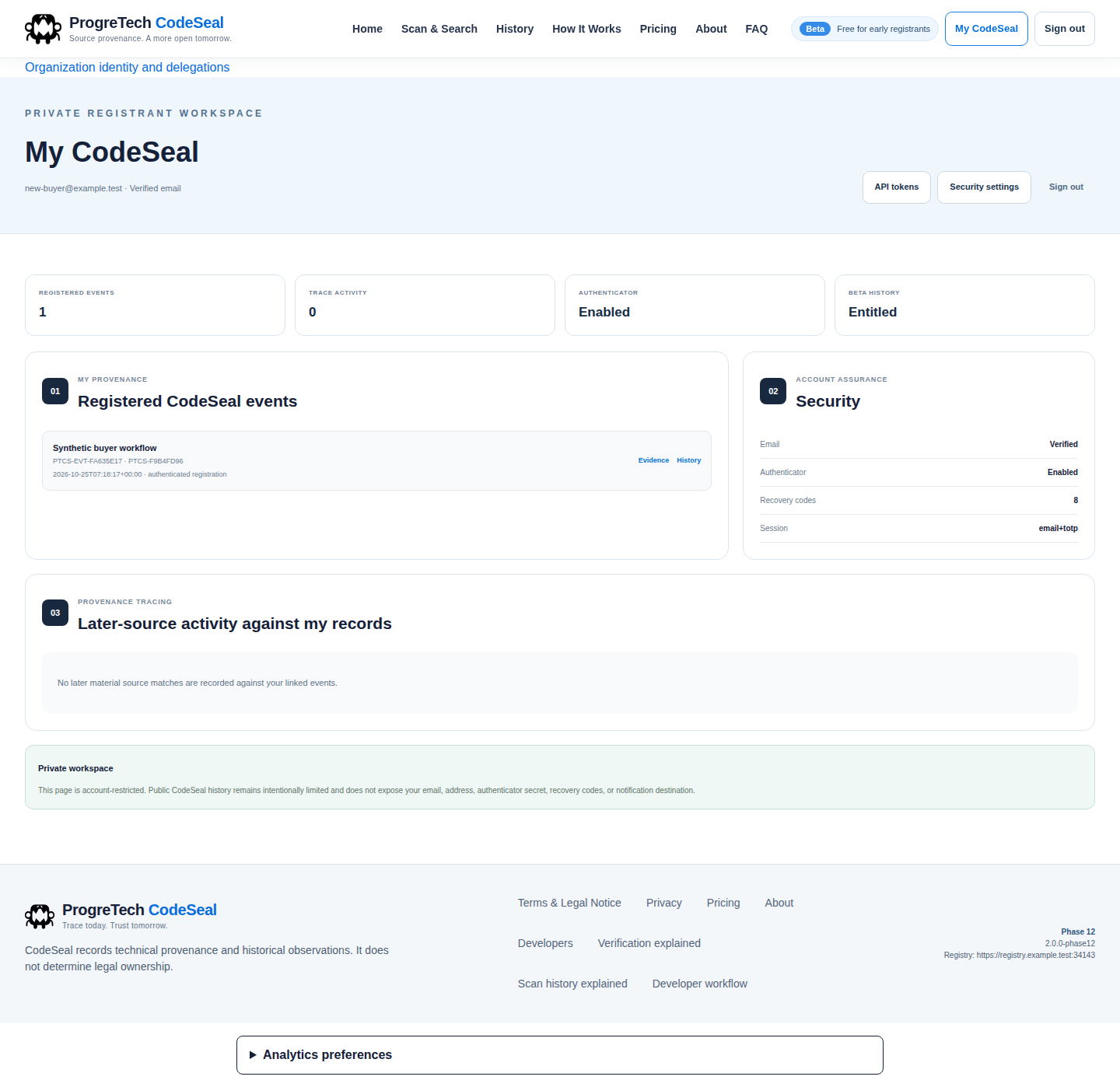
Open My CodeSeal, enter an email you control and follow the short-lived link delivered by your own mail service. Confirm through the normal form. A one-use email link is consumed deliberately; if TOTP is enabled, complete that second factor.
Enable an authenticator in Security settings and store recovery codes privately. Keep QR images, secret seeds, recovery codes and API tokens out of recordings and support attachments. Your operator’s identity/recovery procedures remain necessary.
Accounts belong to this buyer-operated registry. Matching email domains do not create organization authority. The separate Store/hosted ProgreTech login and subscriptions are not inherited by this installation.

8. Scan a synthetic source snapshot first
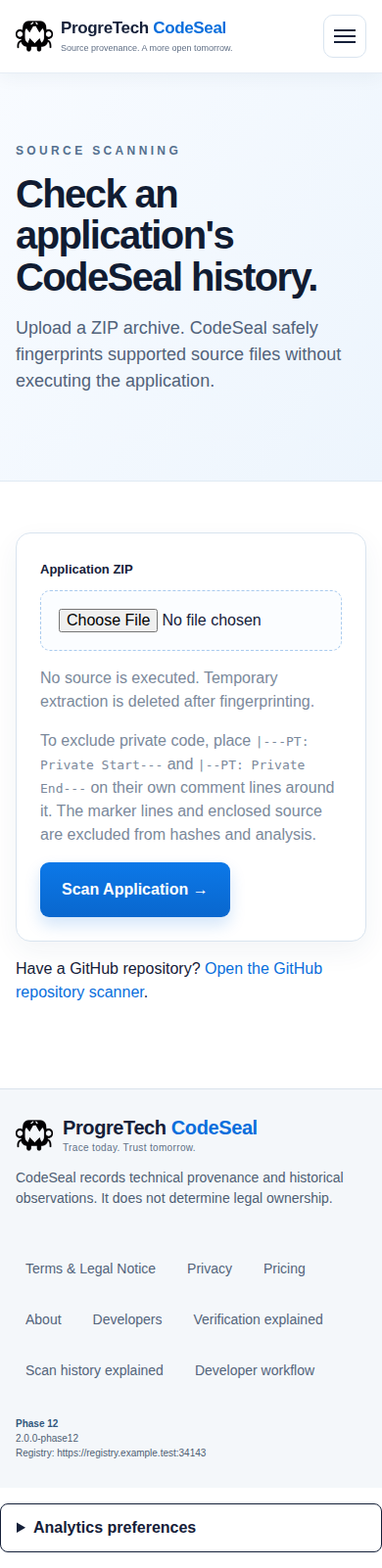
Choose a small new fictional ZIP containing source you may inspect. The scanner fingerprints supported source without executing it. Review exact matches, structural overlap and low-weight/common material using the built-in explanations; a match alone is not proof of copying or infringement.
Temporary source is removed; retained evidence/fingerprints are not a downloadable copy of submitted source. Explicit private-section markers are excluded under the documented rules. Public GitHub scanning retains its original supported workflow and needs separately qualified buyer configuration where applicable.
Size-triggered incremental ingestion retains supported compressed members in the browser and processes one eligible member at a time. Authentication failure, malformed source and arbitrary errors do not enable fallback. Qualify your actual gateway limits; the application’s direct-transfer limit is a conservative default.
9. Register deliberately and verify the returned evidence
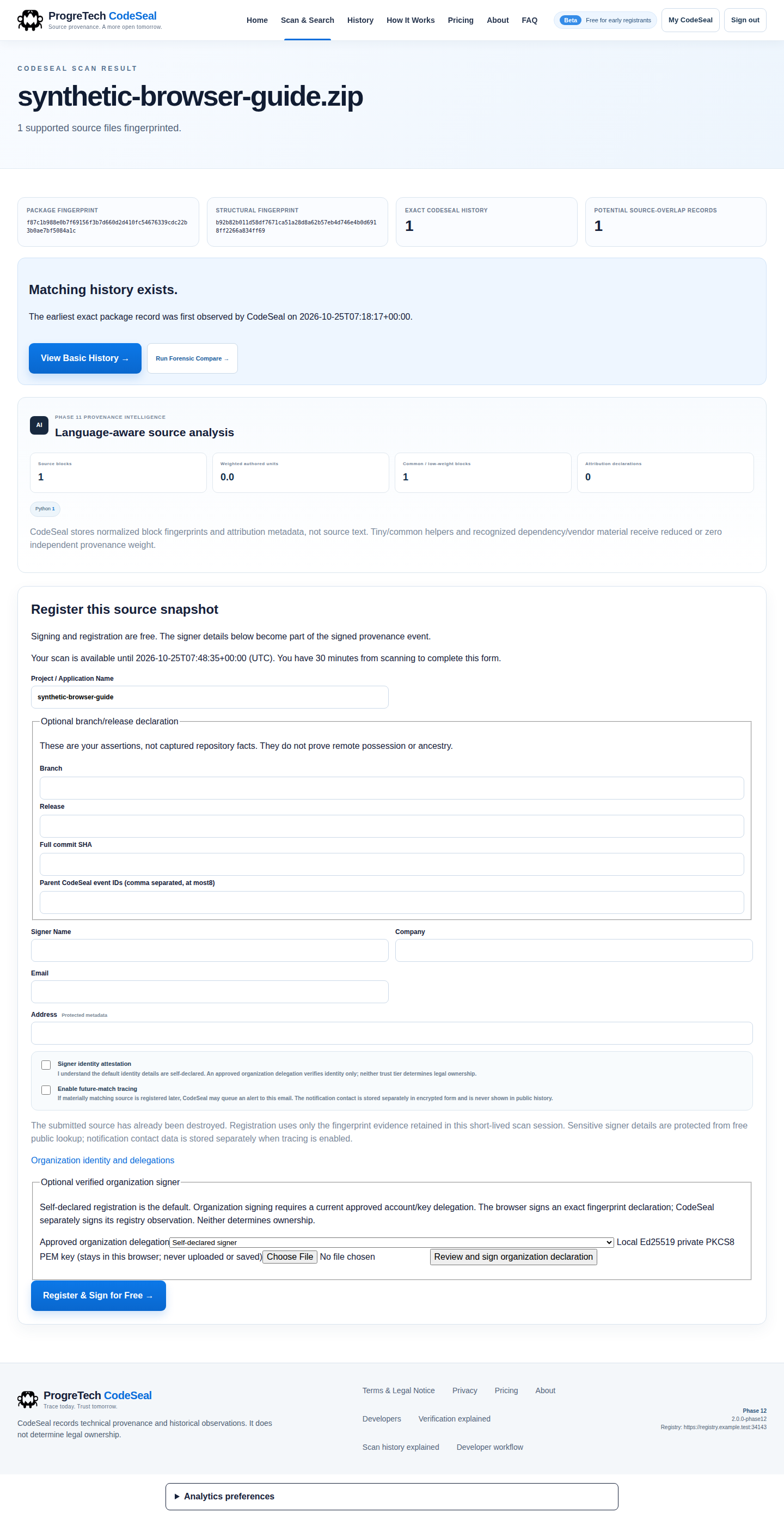
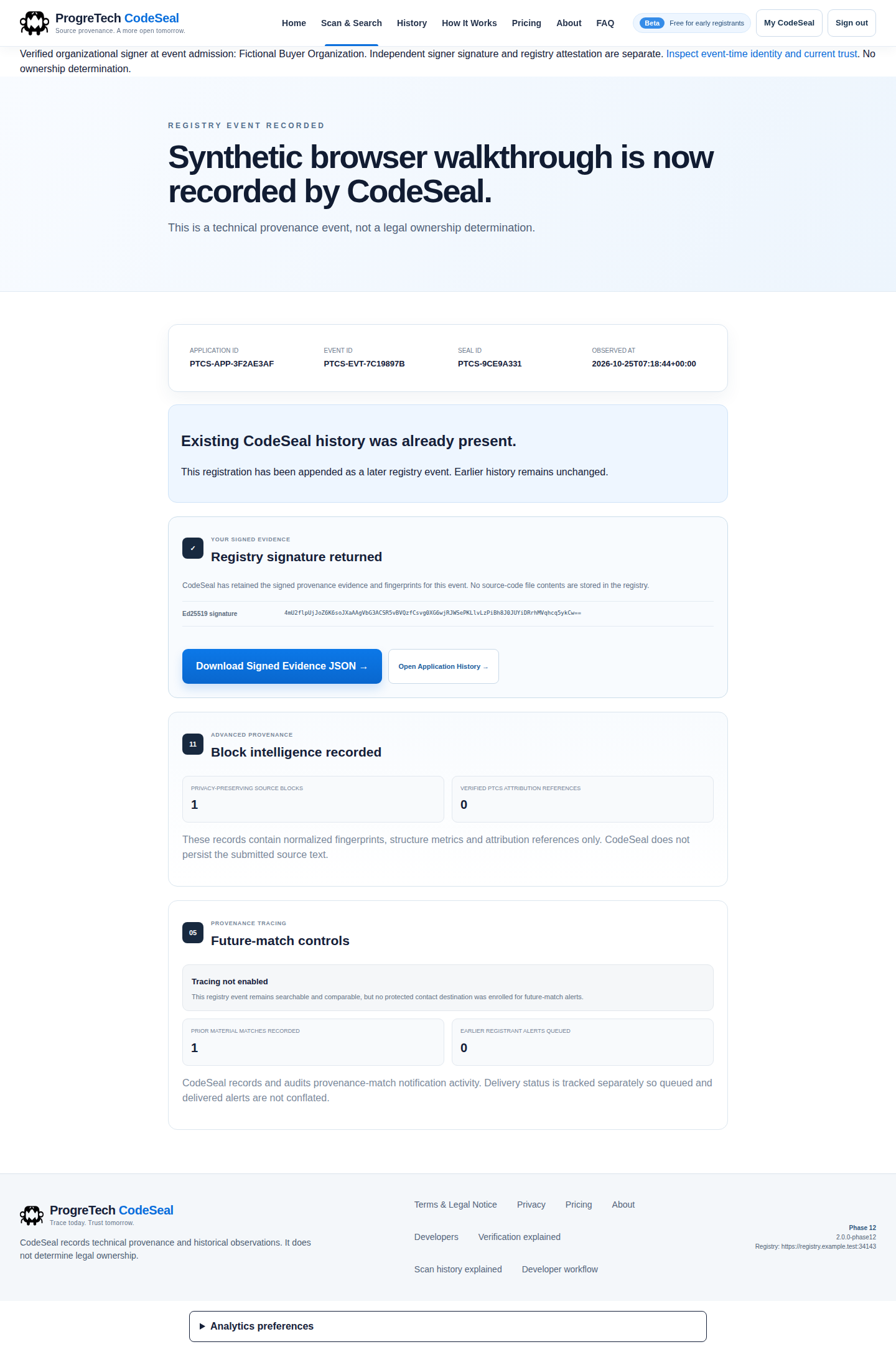
Review the project name, optional branch/release context and signer declaration before accepting the identity statement. Self-declared identity is the default. A successful scan alone does not register an event.
Download the exact evidence JSON after registration. Verify its signature with your independently trusted registry pin, then inspect event identity and active/revoked state separately. Keep the original bytes. Technical signatures and organization review do not decide legal ownership or certify software safety.
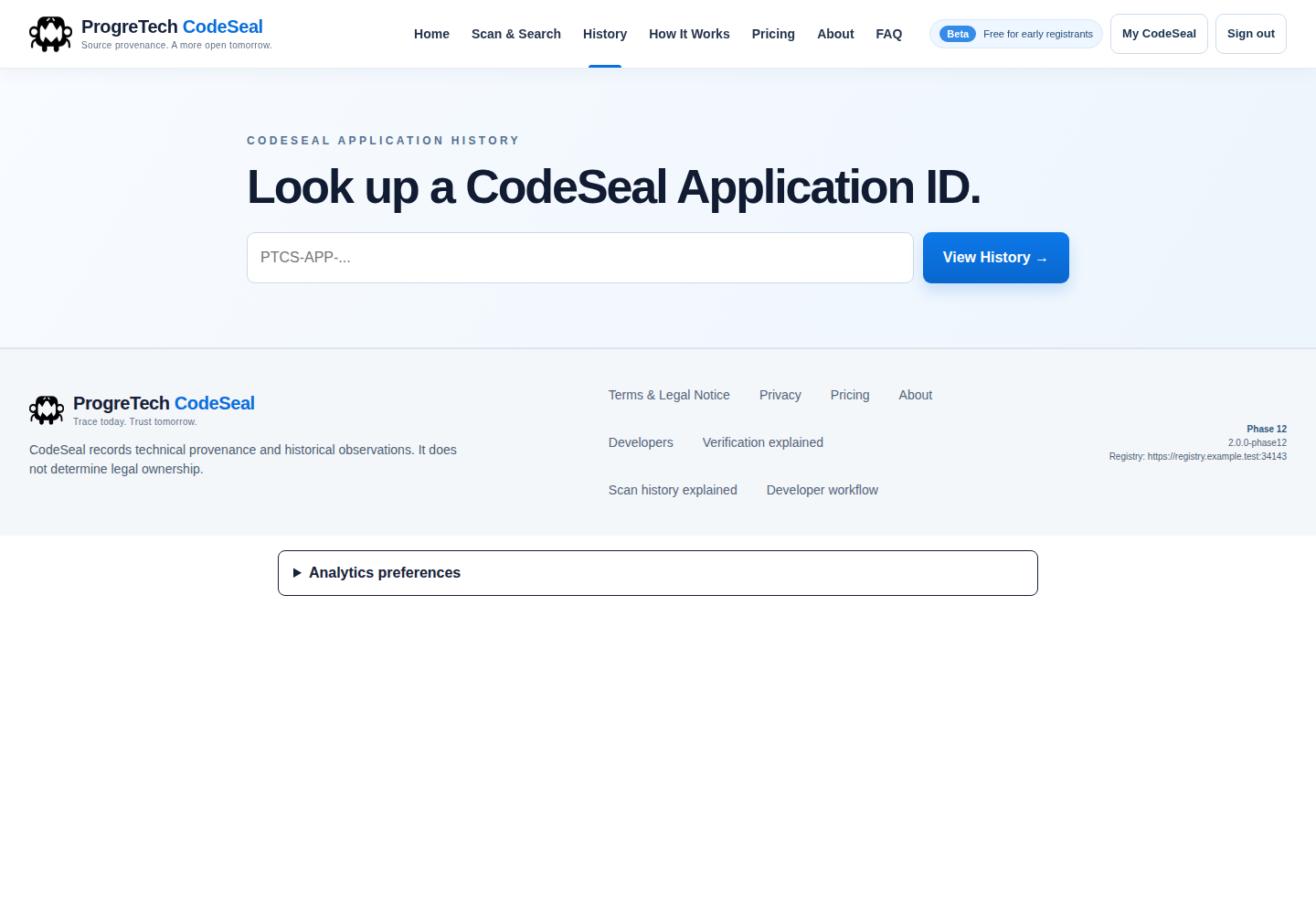
History records observed submissions. It does not prove every unsubmitted revision, independent timestamp authority or the origin of all code.
10. Review organization authority and delegate signers
Use verified account IDs for deliberate operator setup. After normal login, the account ID appears on the Organizations page. The deployment owner may add reviewed IDs to ORGANIZATION_OPERATOR_USER_IDS in the original private configuration, preserving other custody fields, then restart and require fresh sign-in.
The original operator workflow records an organization request, independent identity/control review, case reference and decision. An organization name, matching email domain or uploaded public key grants no authority by itself.
Approve a signer delegation with the reviewed account ID, Ed25519 public PEM, label, expiry and evidence/rationale. Never put a private key in the operator grant form. A later scan requires selecting that delegation, reviewing the exact declaration and deliberately signing it in the browser with the signer’s own local private file.
Revocation prevents future admission while retaining original signed history and audit. Qualify your identity/control review policy and operator access; a fictional lab approval is not a real organization certification.
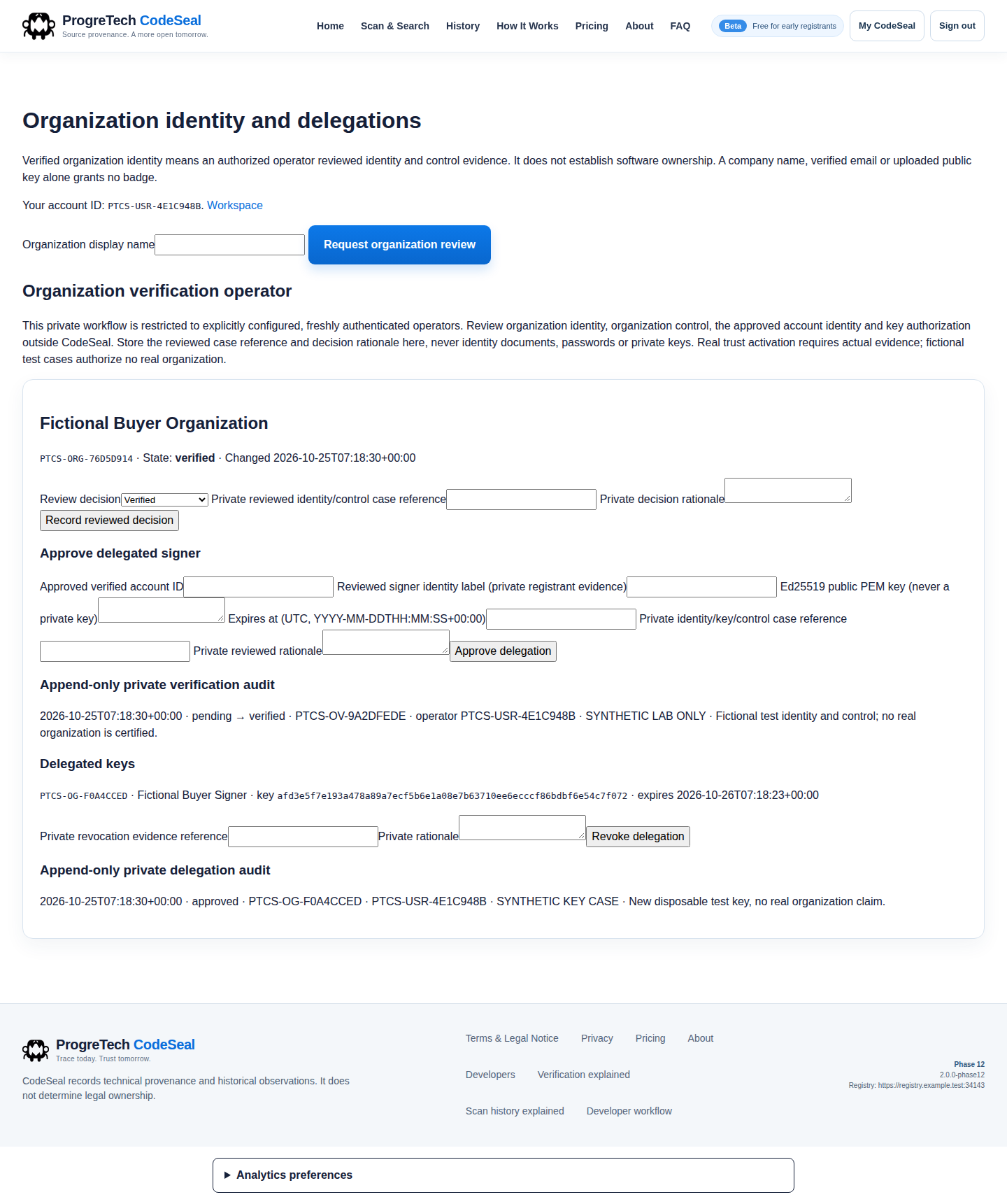

The actual buyer lab completed normal email/TOTP, operator review/delegation and browser-local Ed25519 signing. These captures do not authorize your operators or assert a customer deployment.
11. Configure applications and API clients explicitly
Public lookup and history expose privacy-limited evidence. Private account/event detail and evidence downloads require the original account-bound API scope. Personal bearer tokens are shown once and retained only as hashes; keep the token in your own secret store.
To share registry login with your own applications, configure PROGRETECH_SSO_CLIENTS as an explicit client-ID to exact HTTPS callback map. The legacy field name supplies no factory registration. Each client uses S256 PKCE with the configured issuer, one-use authorization code and original token/userinfo contracts.
Approved registration clients and organization delegation remain trusted-operator actions through the original CLI/protocol. The public-key file must be a bounded regular file without links. Keep client credentials, registry trust pin and signer identity separate. Preserve exact signed requests and receipts when retrying; uncertain committed outcomes require reconciliation, not a new intent.
Optional GitHub, Mesh and security/billing adapters retain their original interfaces but require buyer-owned credentials, explicit authority and external qualification. Native Desktop is separately licensed; this source does not grant its product rights.
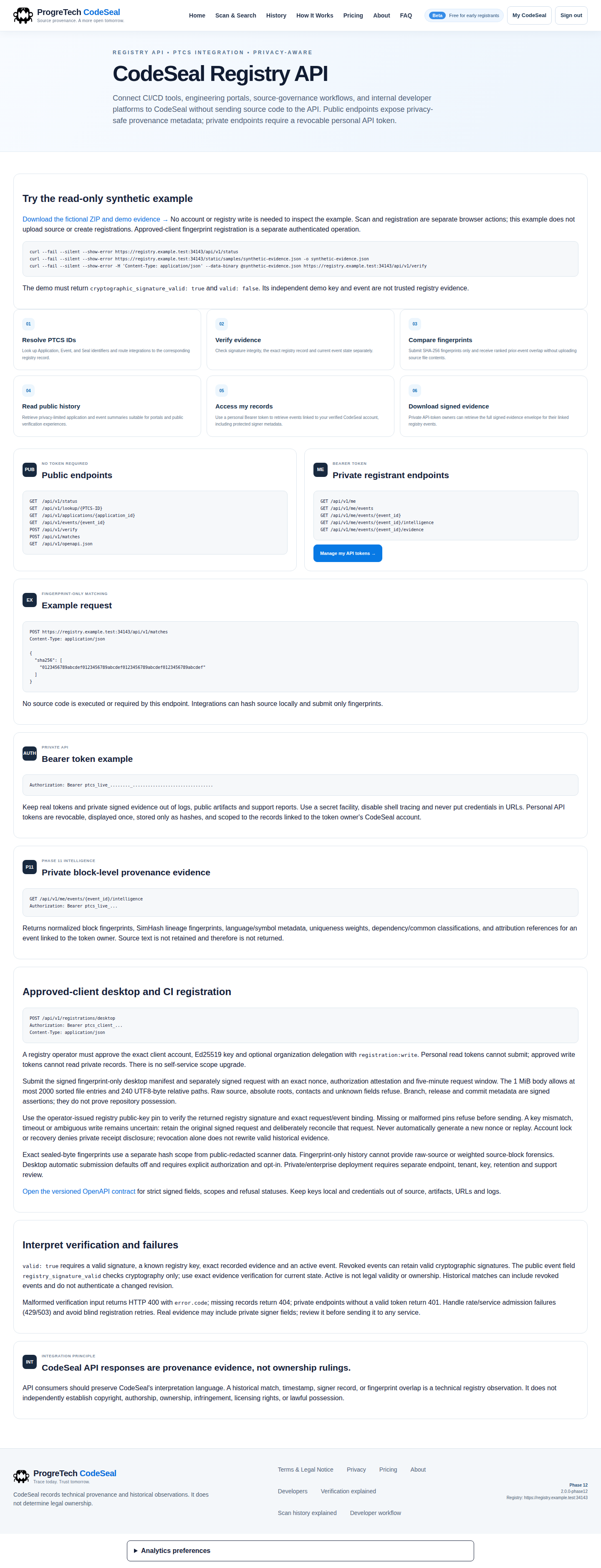
Read docs/DESKTOP_REGISTRY_BRIDGE.md, docs/API_INTEGRATION_GUIDE.md and the organization guide before admitting a client. The Web source does not claim its separate historical Desktop fixture tests ran.
12. Back up and rehearse a physically fresh restore
Stop admissions and every app/worker/scheduler sender before capturing a consistent restore set. Keep notification dispatch paused. Route maintenance deliberately; changing an HTTP route alone does not drain senders.
Create a consistent PostgreSQL dump using your protected infrastructure service configuration, and archive the entire original private registry volume. Retain their hashes, source/image/schema identity, original public pin and capture/drain time together; encrypt and restrict the set. A database-only backup cannot recover signing/contact custody.
Restore into a different empty database and new named volume/project first. Restore the original database claim and all private keys/configuration/receipt; do not run NEW initialization. Verify readiness, the same independently trusted pin, original signed history and normal email plus ORIGINAL TOTP decryption.
Use restore quarantine and exact-target reconciliation before reopening admissions or senders. Post-snapshot credentials and uncertain outbound attempts need review. The demonstrated stopped-source fresh restore is finite evidence, not a promise of arbitrary disaster or issuer migration.
The tar examples are only the private-volume portion of a coordinated restore set. Also stop your separately operated senders, capture and restore PostgreSQL under the documented protected infrastructure procedure, and review the restored private DSN/CA paths for the new target before startup. Never reconnect a recovery instance to the old database accidentally. The packaged BUYER_OPERATIONS guide supplies the complete workflow.
docker compose -p buyer-registry stop web
umask 077
docker compose -p buyer-registry run --rm --no-deps -T --entrypoint tar web -C /data -czf - registries > /absolute/private/registry-state.tar.gz
docker compose -p buyer-registry-restored run --rm --no-deps -T --entrypoint tar web -C /data -xzf - < /absolute/private/registry-state.tar.gz
docker compose -p buyer-registry-restored up -d
The database dump is a separate required step in docs/BUYER_OPERATIONS.md. These volume commands do not create or restore PostgreSQL by themselves. Never place a secret-bearing backup in the source download.
13. Preserve custody after interrupted initialization
If only install-ready.json is missing, the explicit recovery command can verify the original production configuration, signer/contact/install identity and exact COMMITTED database claim before exclusively creating that missing receipt.
Existing/malformed/symlink receipts, identity mismatches, missing or never-committed claims and legacy/development modes refuse. Recovery changes no database/schema/configuration/key and is never automatic at startup. Preserve ambiguous state for manual review.
Run the command only in the original nonroot service/private volume. Do not hand-create a receipt or regenerate keys to make old records readable.
docker compose -p buyer-registry run --rm --no-deps web python manage.py recover-pending --config /data/registries/main/config.json14. Update without losing identity or authority
Retain the verified previous image/source and a matching consistent encrypted restore set. Test a new version against a fresh restored copy under the original custody before changing user traffic.
Preserve additive authority/audit tables and original event/receipt bytes. An old reader can retain technical event verification while an old UI misrepresents newer organization trust. Do not drop tables, rewrite manifests, regenerate keys or replay uncertain writes to make a rollback appear successful.
Keep admissions/dispatch held if qualification fails; restore only a compatible application plus its reviewed state. Read each release’s supported starting version and migration instructions. Separate source-store maintained updates from any service pricing your own registry UI describes.
15. Compare actual hosted and buyer captures
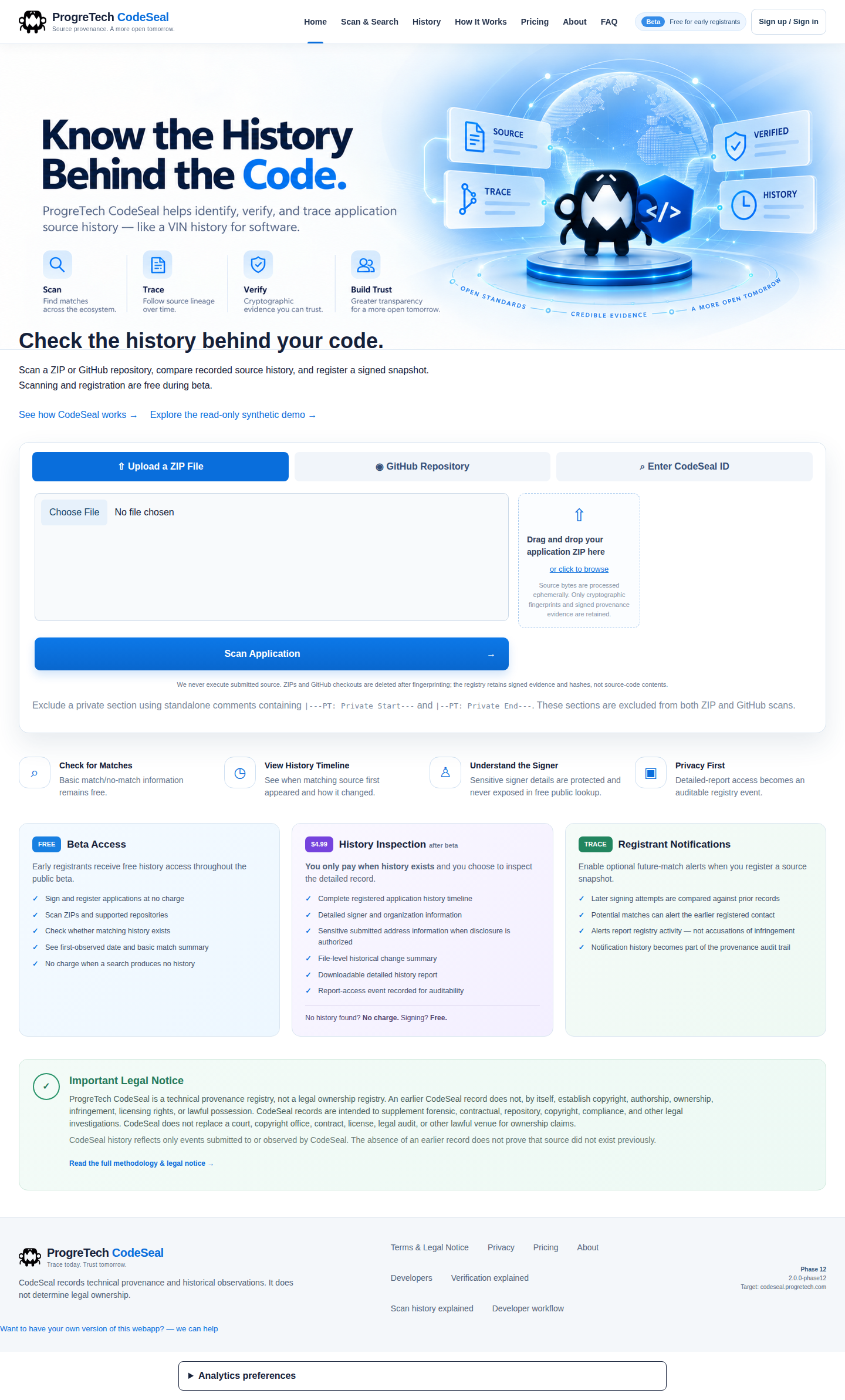
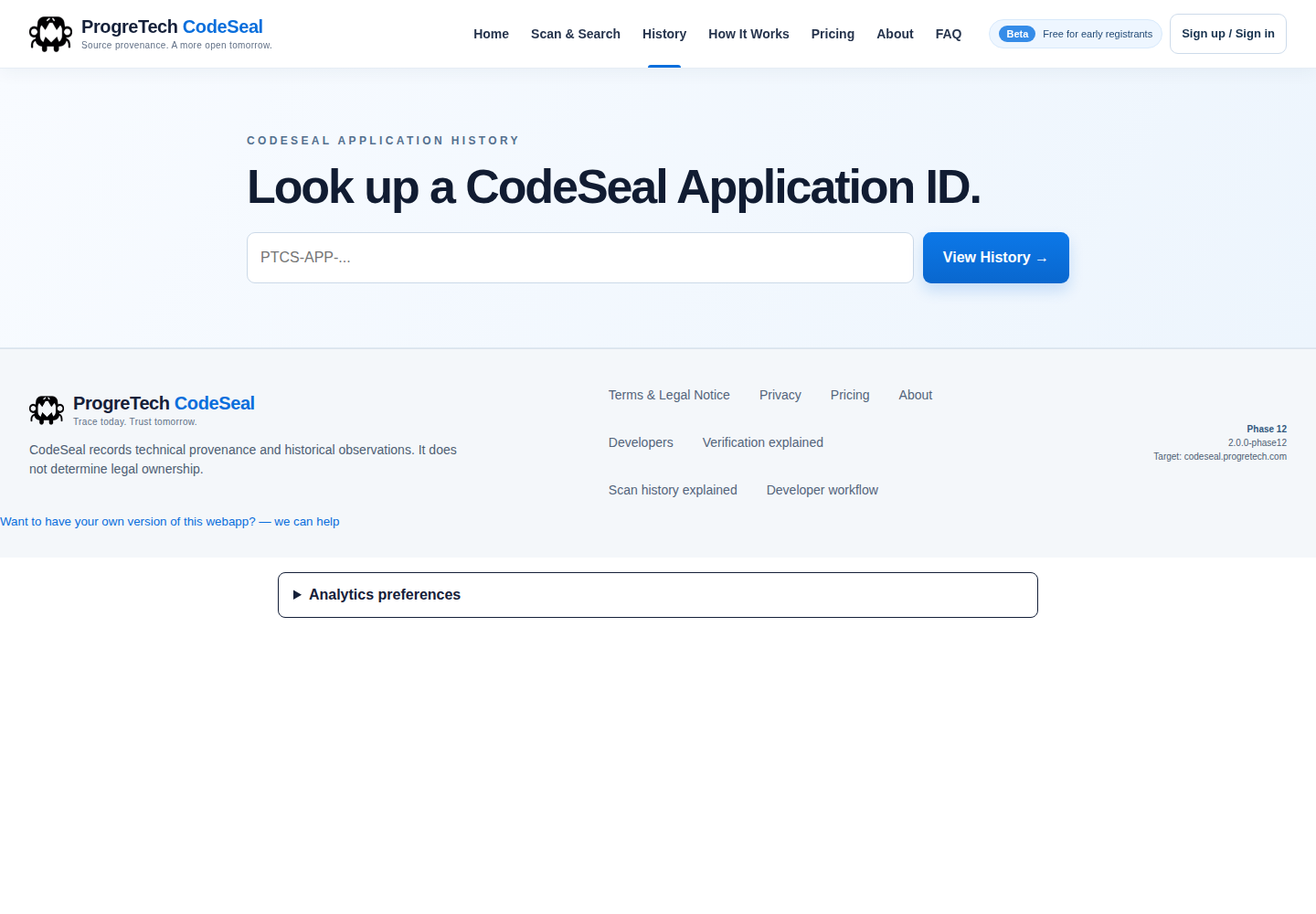
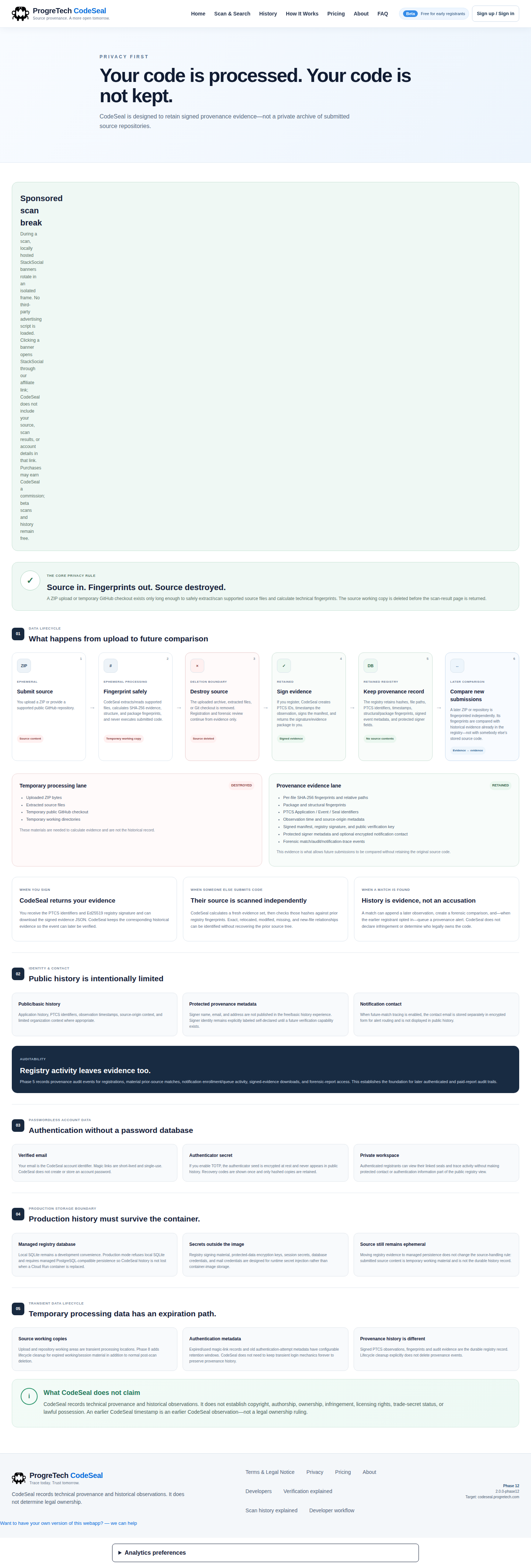
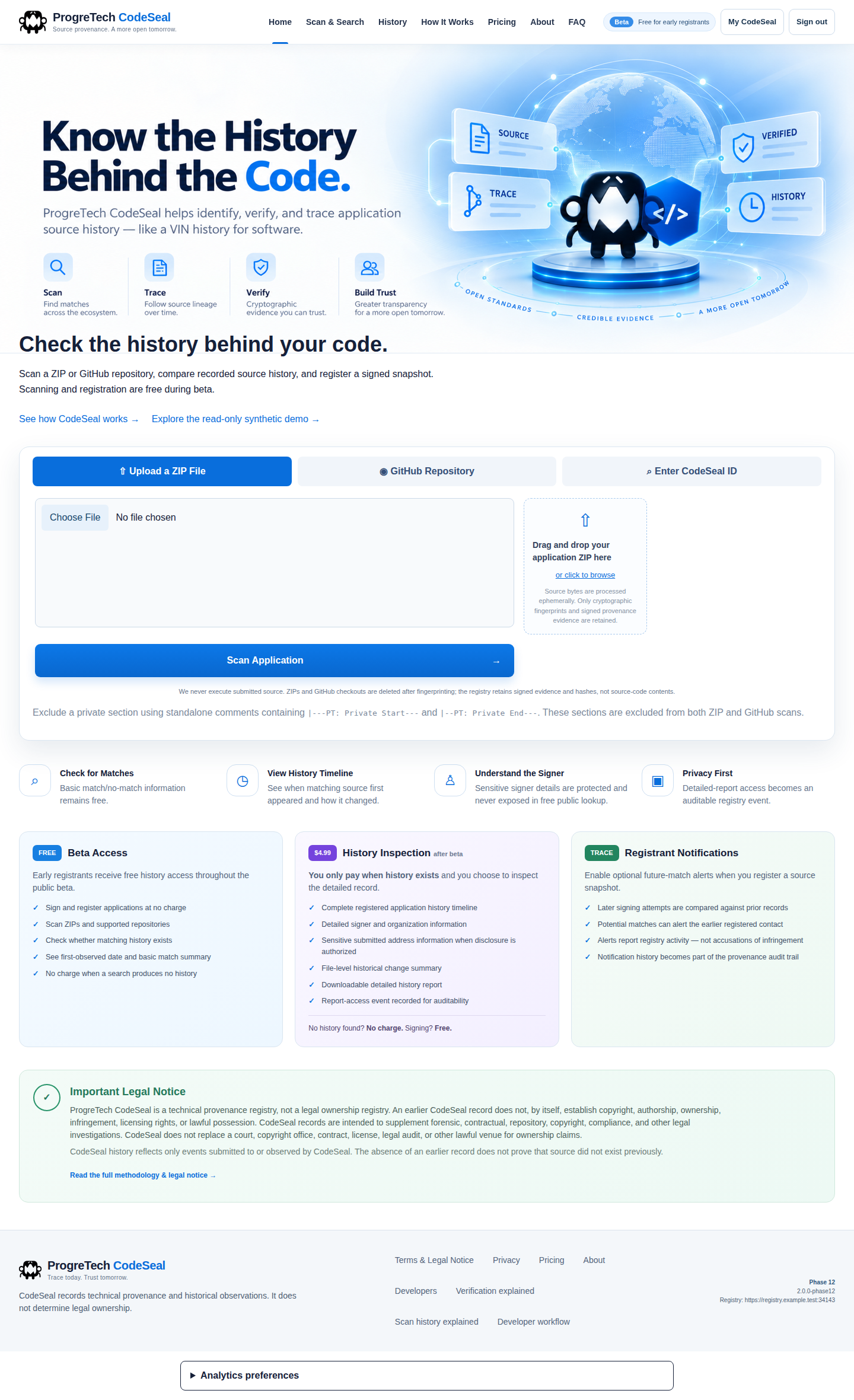
The buyer screenshots above show new fictional accounts and source in a real isolated installation. The hosted references below are separate anonymous read-only public pages from codeseal.progretech.com. Their data, accounts and hosted memberships are not bundled.
The retained interface uses the same original navigation, colors and control families. Expected differences include buyer origin, authenticated synthetic state, neutral sponsor artwork and the corrected privacy/mobile layout details. This is not a pixel-equality or hosted-private-account test.
The short post-login recording contains actual source scanning, registration and responsive reading. It omits authentication secrets and audio; it is not a narrated training course. Current file-reader corrections are bound to the reviewed source/runtime separately from these historical media bytes.