
1. Choose your workspace
Learning 0.1.0 includes translated courses, owner and learner accounts, explicit publication, enrollment, ordered plain-text lessons and revision-specific progress exports. The original learning-standard layout is retained. The separate hosted companion uses temporary guest access; your own installation stores persistent private data.
2. Verify and install privately
Verify the downloaded archive and release metadata with the Store verification helper and public key before extraction. Confirm the key fingerprint through a separately trusted ProgreTech channel. Use the private Linux recipe in the included buyer guide, a dedicated service account and a new external data directory. Keep the development listener on loopback.
python3.13 -m venv .venv
.venv/bin/python -m pip install --require-hashes --only-binary=:all: -r distribution/requirements.runtime.lock
.venv/bin/python main.py init --data /srv/private/learning
.venv/bin/python main.py user --data /srv/private/learning --name editor --role owner
.venv/bin/python main.py user --data /srv/private/learning --name learner --role learner
.venv/bin/python main.py serve --data /srv/private/learning --port 80803. Complete your first workflow
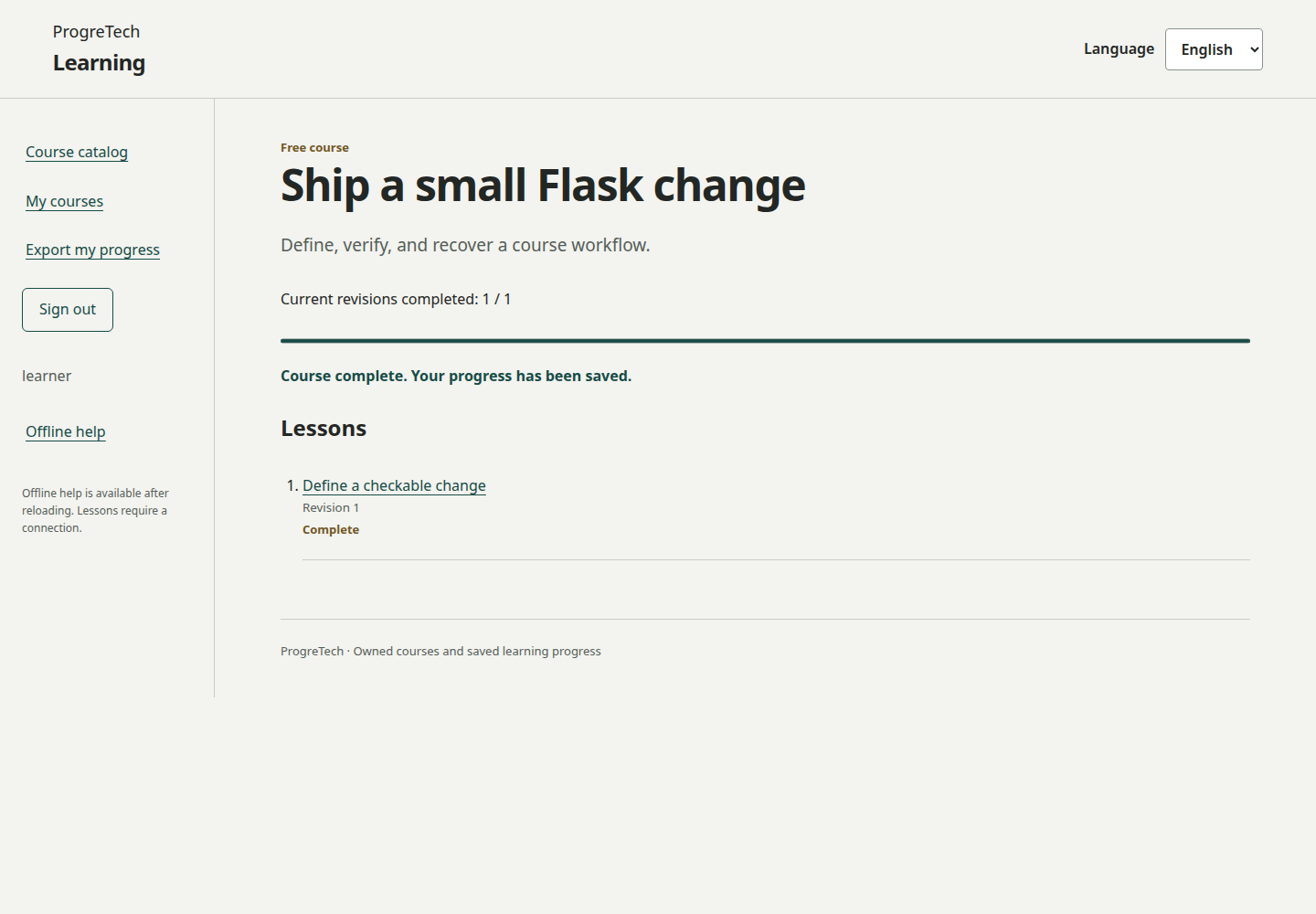
Create an owner and a learner with the CLI, then sign in as the owner. Add translated course details and at least one lesson, review them and publish. Sign in as the learner, enroll, open lessons, confirm completion and export your progress. Editing a lesson creates a new immutable revision and returns the course to draft; review and publish it again.
4. Set up your coding agent
Use a coding agent that can read project files and run commands. On Windows use PowerShell; on Ubuntu or macOS use Terminal. Check opencode --version before installing: OpenCode 1 and 2 share the command name, so preserve an existing working installation. For a fresh OpenCode 1 setup, install Node.js LTS with npm and Ollama for your OS, then run npm install -g opencode-ai.
For the local OpenCode route, use Ollama 0.15 or later and an already installed model with tool-call support and at least 64k context. Open a terminal in the extracted source folder and run ollama launch opencode. Confirm the chosen provider is local and the agent can open the named source files. Review its diff and commands before applying them. Plain ollama run chat accepts sanitized pasted text; it cannot read the folder or apply a patch by itself.
Prompt: Read buyer/en/README.md and the technical specification before changing the source. Prepare my chosen private Linux VM and external data directory. Preserve roles, CSRF and EN/ES/JA. Keep course revisions and enrollment isolation intact. Use synthetic data, return a diff, exact commands and backup/restore/rollback steps, and keep secrets and private records out of prompts. Ask before provisioning or paid actions.
node --version
npm --version
ollama --version
ollama list
opencode --version
ollama launch opencode5. Choose a persistent cloud VM
Use one buyer-owned persistent Linux VM: Hetzner Cloud with a Volume, AWS EC2 with EBS, Azure VM with Managed Disk, or Google Compute Engine with Persistent Disk. Keep SQLite on a single durable local filesystem.
Terminate TLS at a maintained reverse proxy, preserve the exact approved hostname and keep Gunicorn on loopback. Restrict SSH to authorized administrators and verify the host fingerprint before connecting. Review the service, firewall and backup commands before provisioning.
Set LEARNING_DATA to the initialized private directory and retain its session.key across ordinary restarts. Run one Gunicorn worker behind your HTTPS proxy and keep course data on the persistent disk.
export LEARNING_DATA=/srv/private/learning
exec .venv/bin/gunicorn --bind 127.0.0.1:8080 --workers 1 --threads 4 --timeout 60 app.main:app
6. Back up and recover
Back up to a new filename outside source and keep an encrypted off-device copy. Stop writers before restoring. Initialize a separate empty private directory, restore into it and sign in again as both roles. Restore clears stored sessions and preserves the destination’s independently created session key. Compare course revisions and progress exports before changing the service data path. Keep the original source and state for rollback.
.venv/bin/python main.py backup --data /srv/private/learning --file /srv/private/learning-before-update.sqlite3
.venv/bin/python main.py init --data /srv/private/learning-restored
.venv/bin/python main.py restore --data /srv/private/learning-restored --file /srv/private/learning-before-update.sqlite3
7. Keep access and scope clear
Owners edit their own courses; learners access published content and their own enrollment and progress. Offline help contains public instructions, not private learning records. Optional BTP documents describe future service mappings; this source package includes no deployable BTP profile, payment wallet or certification system. Keep dependency notices and read the canonical Source License.